
For Mac, iPhone, and iPad
Scan the Wi-Fi you are on for network cameras.
The scan runs on the iPhone, iPad, or Mac, and the results stay there.
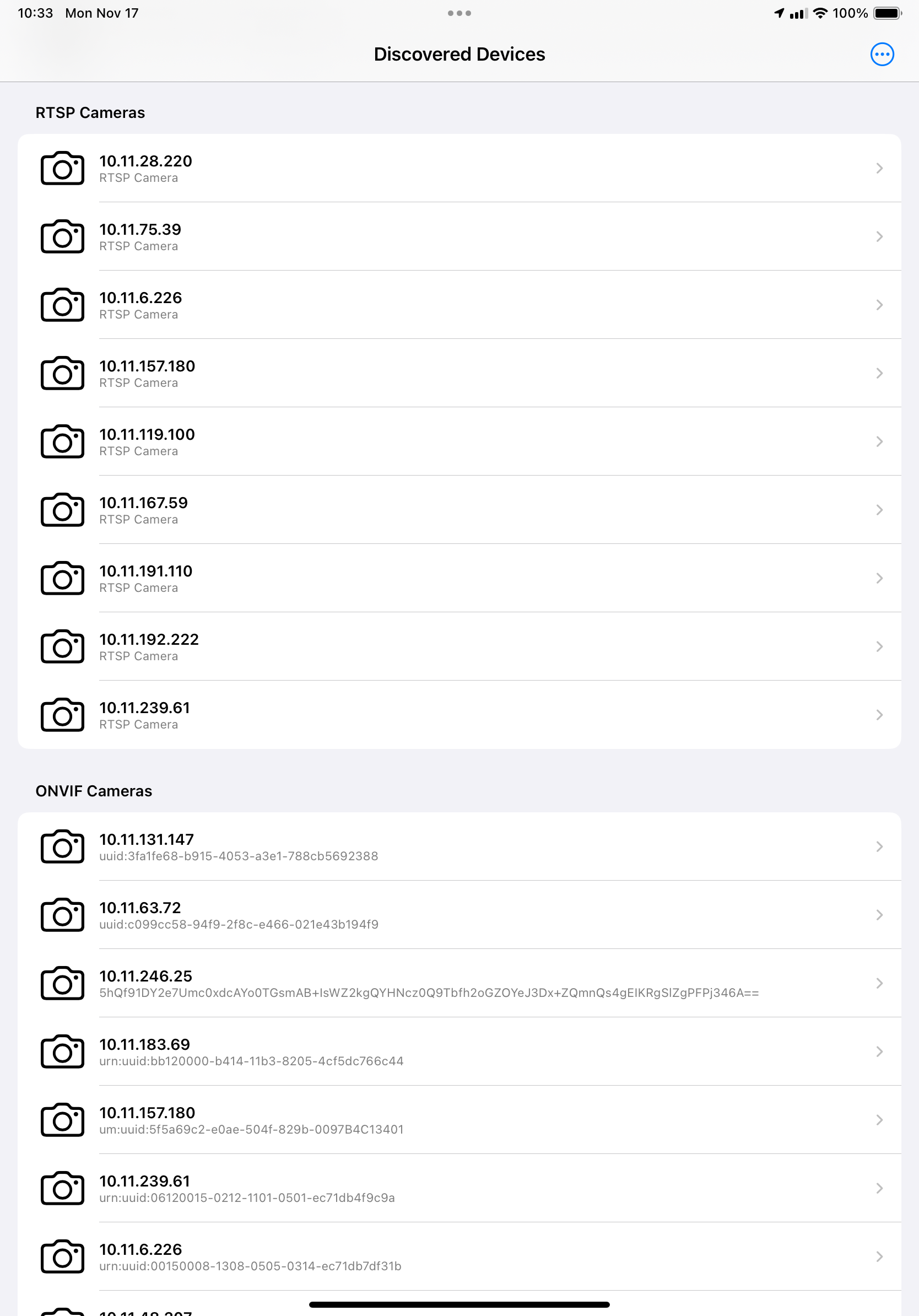
What a scan reports
A finished scan has one verdict.
- Camera Evidence Found. One or more devices show strong signs of being a camera.
- Possible Camera Evidence. Something looks camera-like and deserves a closer look.
- No Camera Evidence Found. Nothing camera-like is visible on the network.
- Scan Incomplete. The network is hiding devices from each other, which is common on guest and hotel Wi-Fi. SpyAlert says so instead of calling the room clear.
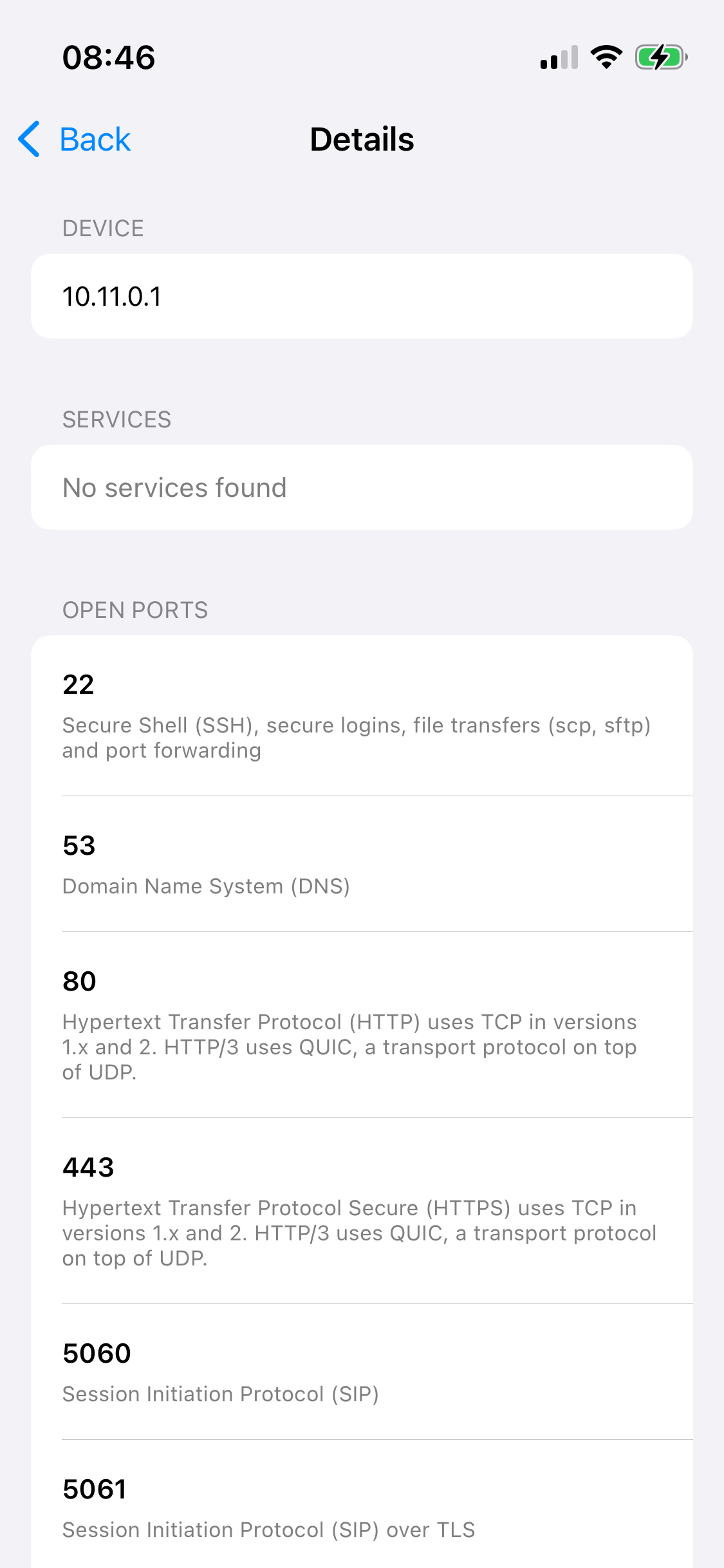
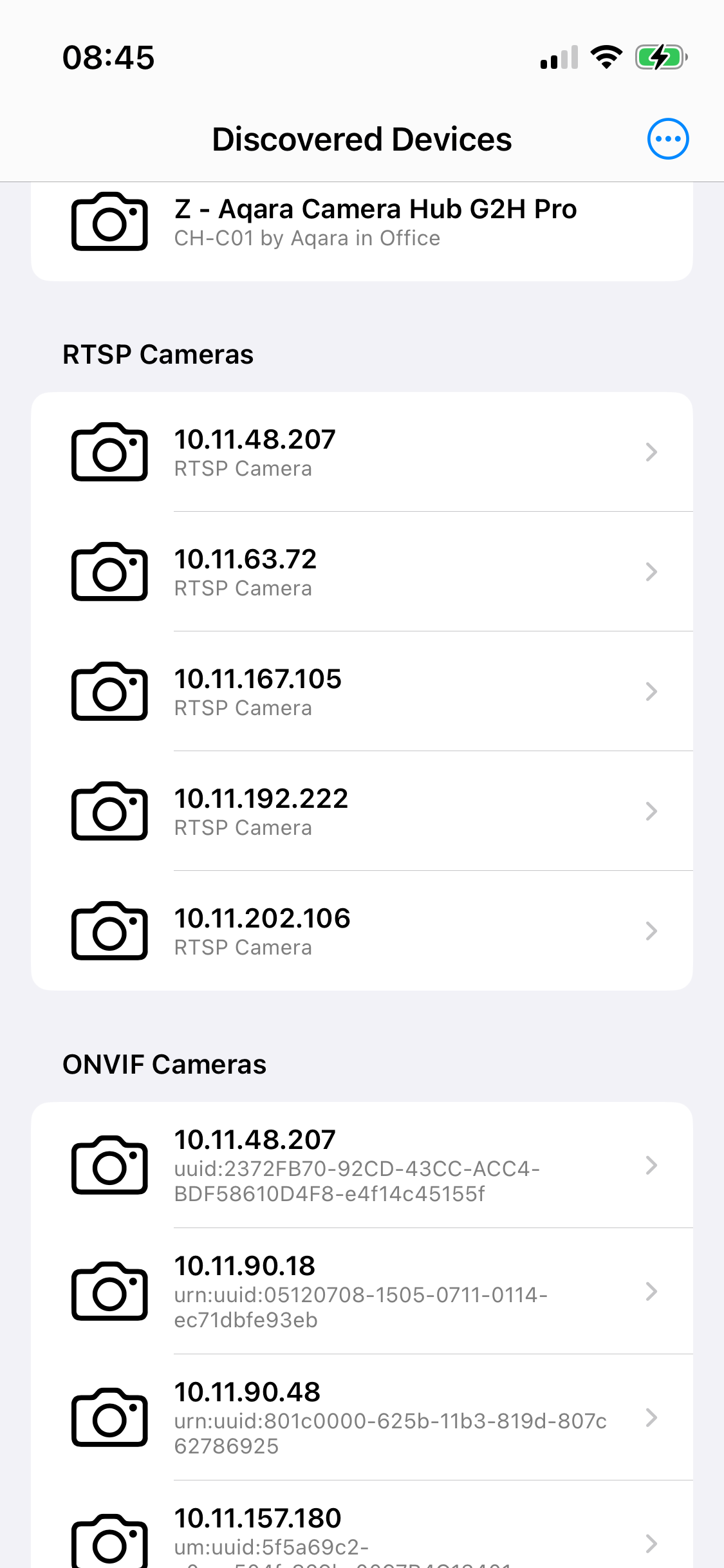
Each device is marked Confirmed Camera, Likely Camera, Possible Camera, Unknown Device, or Other Device. Open one for its name, manufacturer, addresses, the evidence, the services it advertises, its open ports, and its web page.
How a device is checked
SpyAlert does not stop at a name that contains the word camera. It checks each device it can see on the network.
- ONVIF. Cameras that speak ONVIF, including manufacturer and model when the camera sends them.
- RTSP. Streaming servers. A stream that contains video is marked as a confirmed camera.
- mDNS / Bonjour. Devices that advertise video and camera services.
- SSDP / UPnP. Devices that identify themselves as network cameras or video transmitters.
- ARP and MAC vendor. Devices on the network, matched to a manufacturer from the hardware address.
- HTTP and HTTPS fingerprints. The device's own web page, checked for camera signatures.
The scan runs on the iPhone, iPad, or Mac. Results stay on that device. SpyAlert asks for Local Network access, and it slows down in Low Power Mode, when the device is warm, and on a constrained connection.
A scan cannot tell hidden from authorized
A scan cannot tell a hidden camera from an authorized one. A video doorbell, or a camera you were told about, can show the same evidence as a camera you were not told about. SpyAlert gives the manufacturer, the address, and the evidence. It does not decide that the camera is allowed.
A camera that is not on this Wi-Fi does not appear. That includes a camera recording only to a memory card, a camera on a cellular connection, and a camera on a different network. SpyAlert does not use the device camera to look for a lens.
Platforms
Mac · iPhone · iPad
iPhone on iOS 18 or later, iPad on iPadOS 18 or later, and Apple silicon Mac on macOS 15 or later.
Where to get it
iPhone and iPad are on the App Store. TestFlight has a build you can join. The Mac app is a zip, SpyAlert for Mac.